
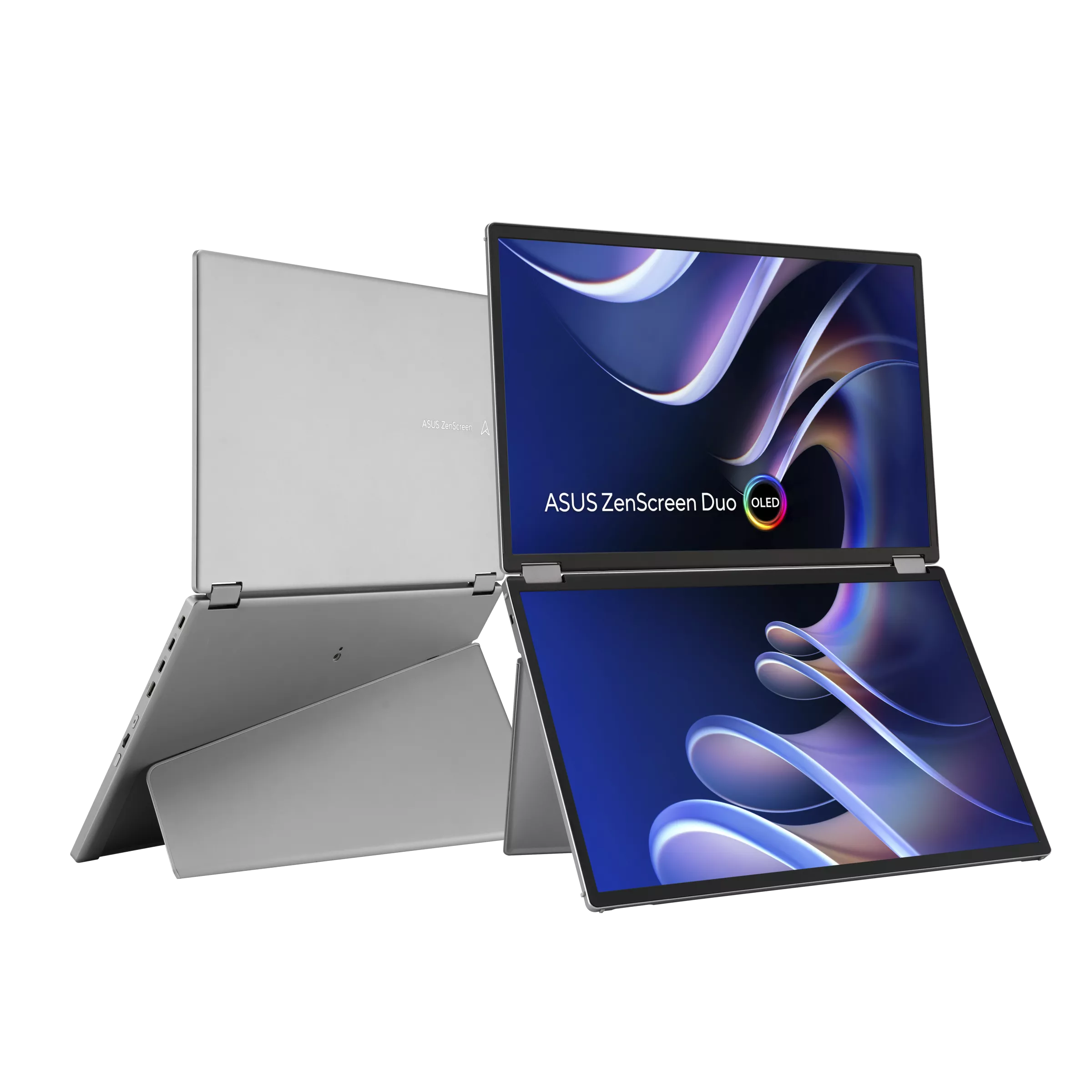
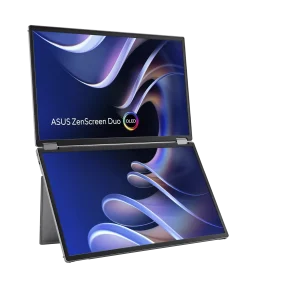
Asus ZenScreen Duo OLED MQ149CD – Dual 14″ Portable Monitor FHD OLED
R12,100 Incl VAT
Pay R11,737 When paying via EFT at checkout.
In stock with Supplier
Please fill in the fields below with the shipping destination details in order to calculate the shipping cost.

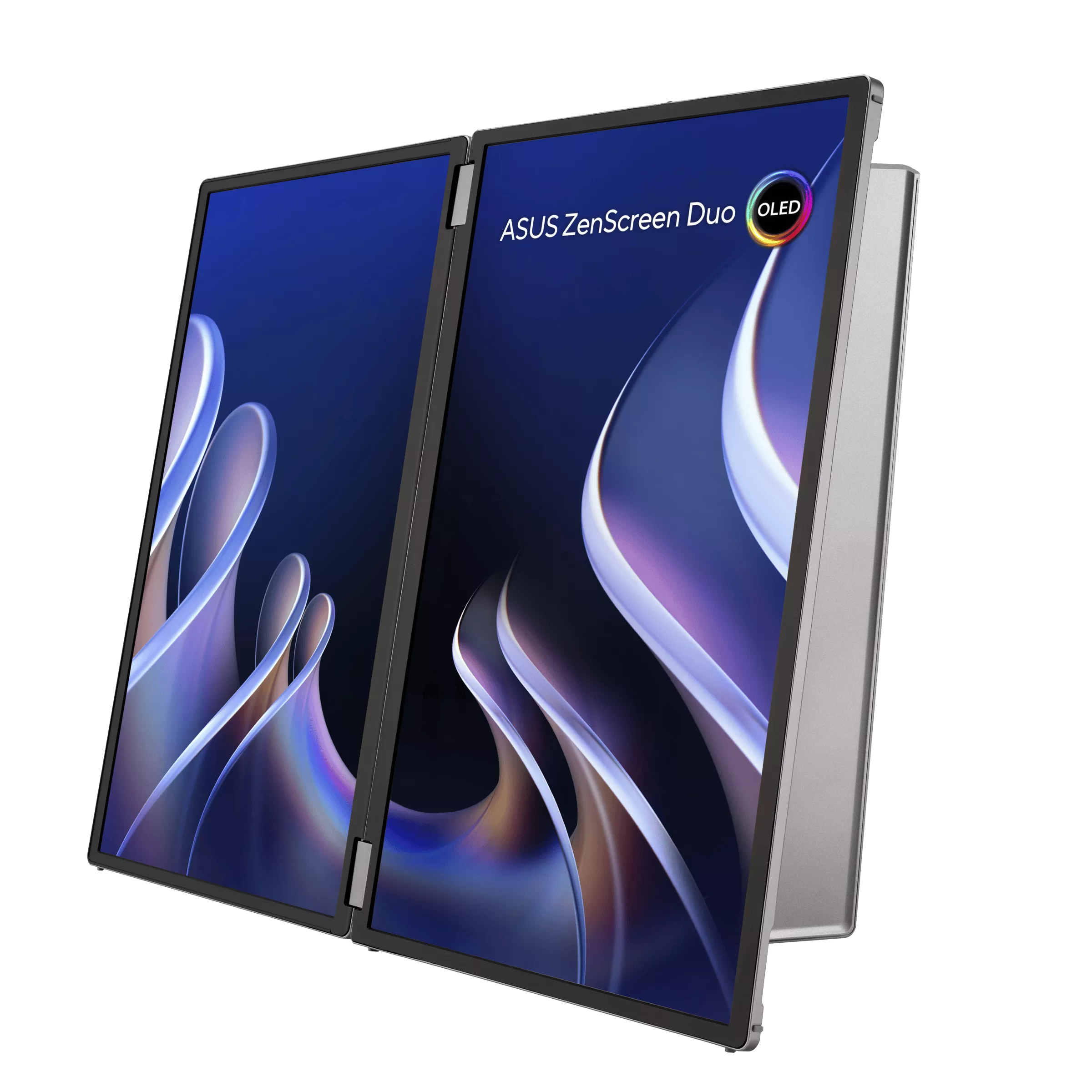
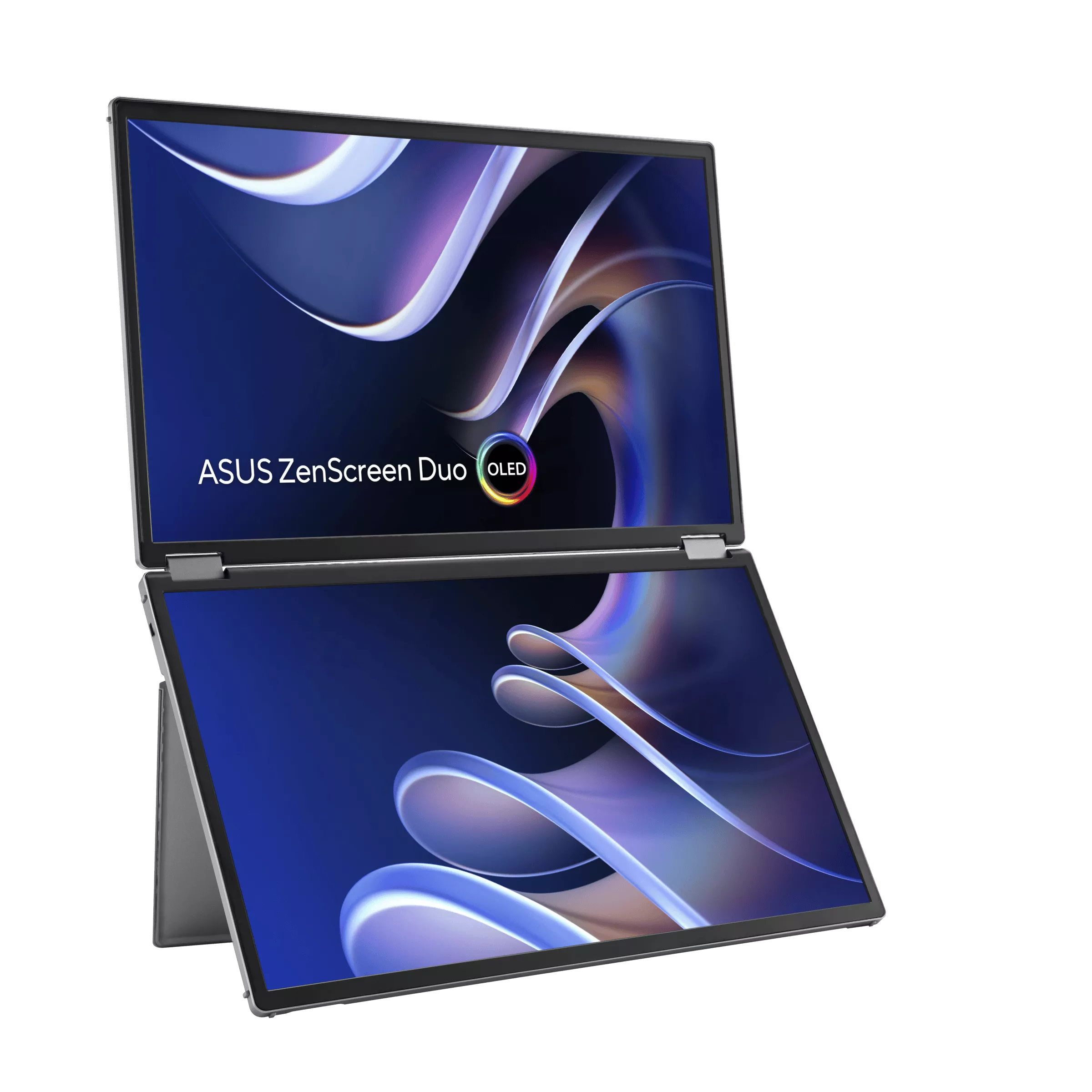
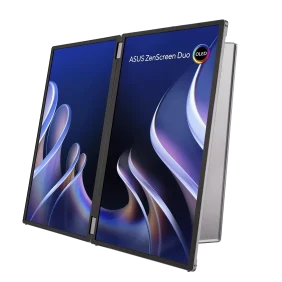
- Dual 14-inch OLED panels with 1920×1200 resolution and a 16:10 aspect ratio, creating a 20-inch workspace
- Exceptional visual quality with 100% DCI-P3 color gamut, Delta-E <2 color accuracy, and DisplayHDR™ 400 True Black certification
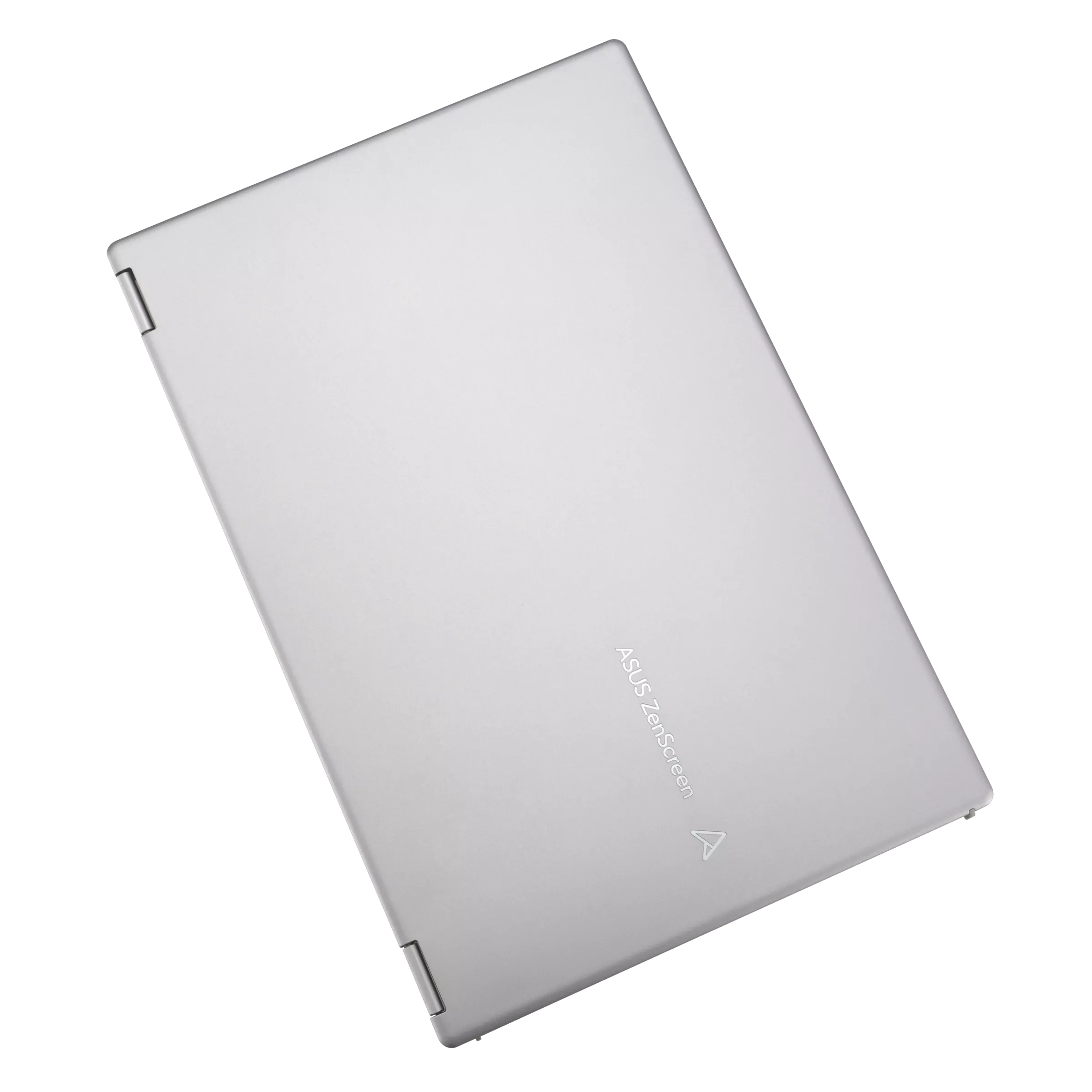
- Ultra-portable design and a lightweight 1.07 kg
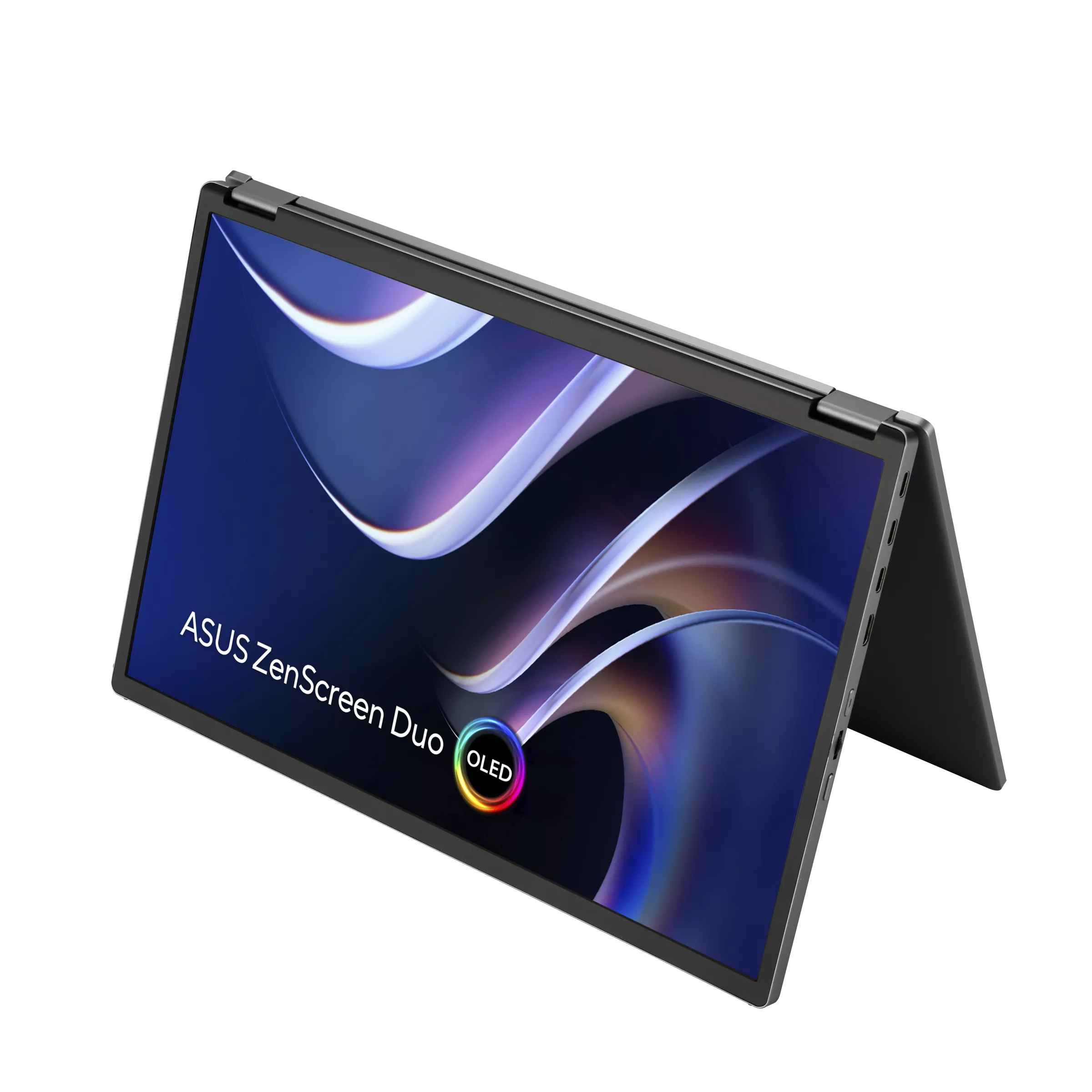
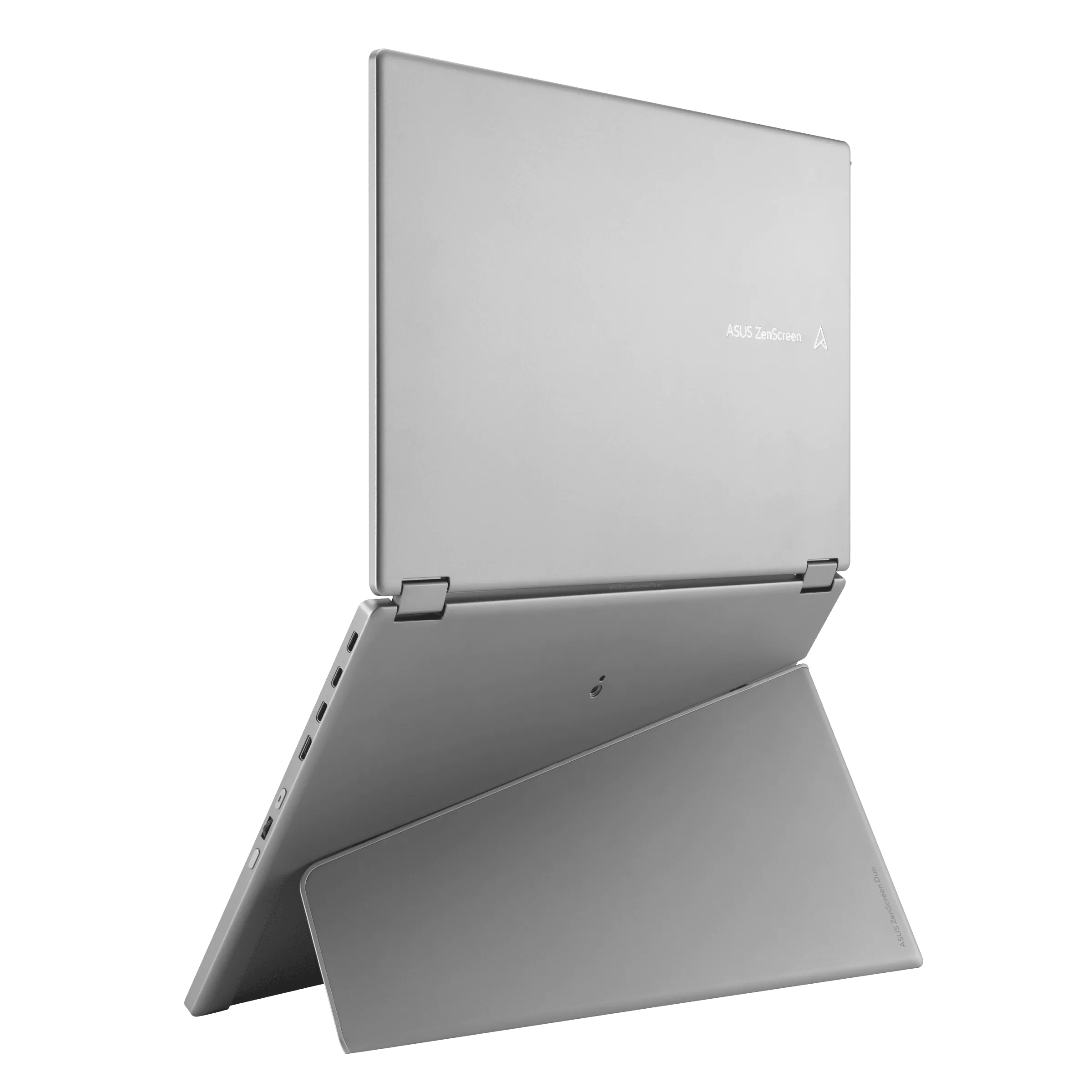
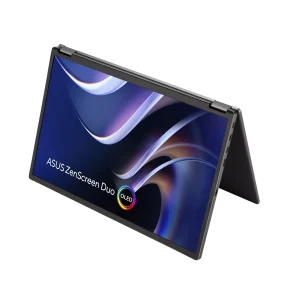
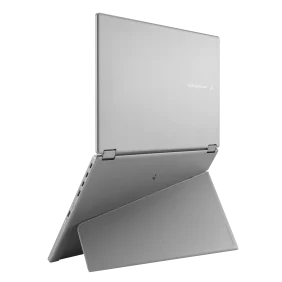
- Versatile usage options, featuring a durable 360° hinge, a standard tripod mount, and an integrated fold-out kickstand that supports both landscape and portrait orientations
- DisplayWidget Center enables automatic screen rotation
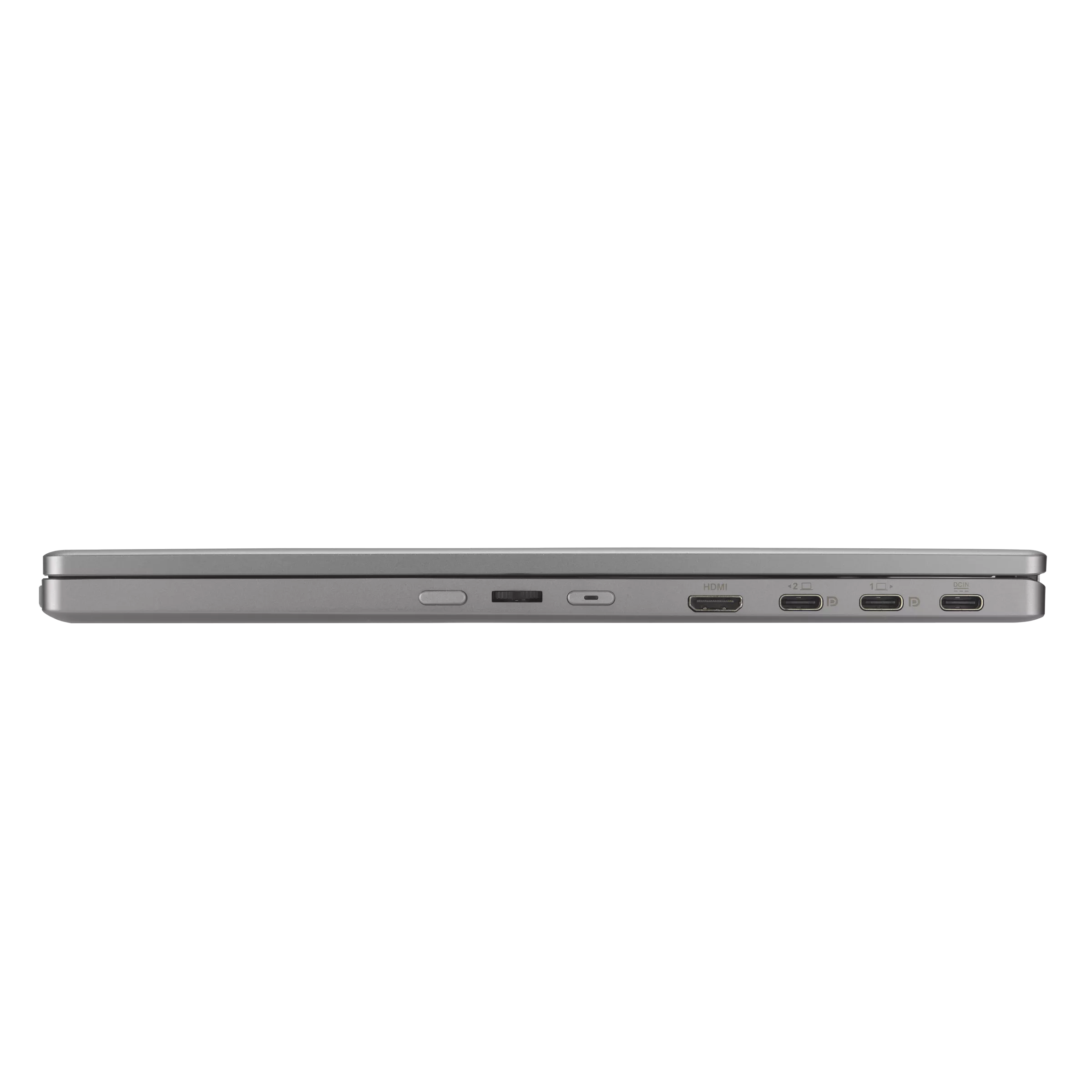
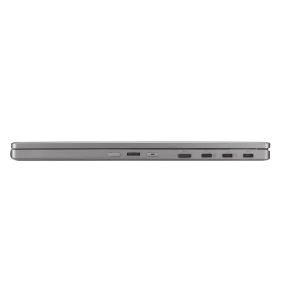
- Flexible connectivity with mini-HDMI®, dual USB Type-C® ports
**images are for illustration purposes,*
Duo, Do more on-the-go

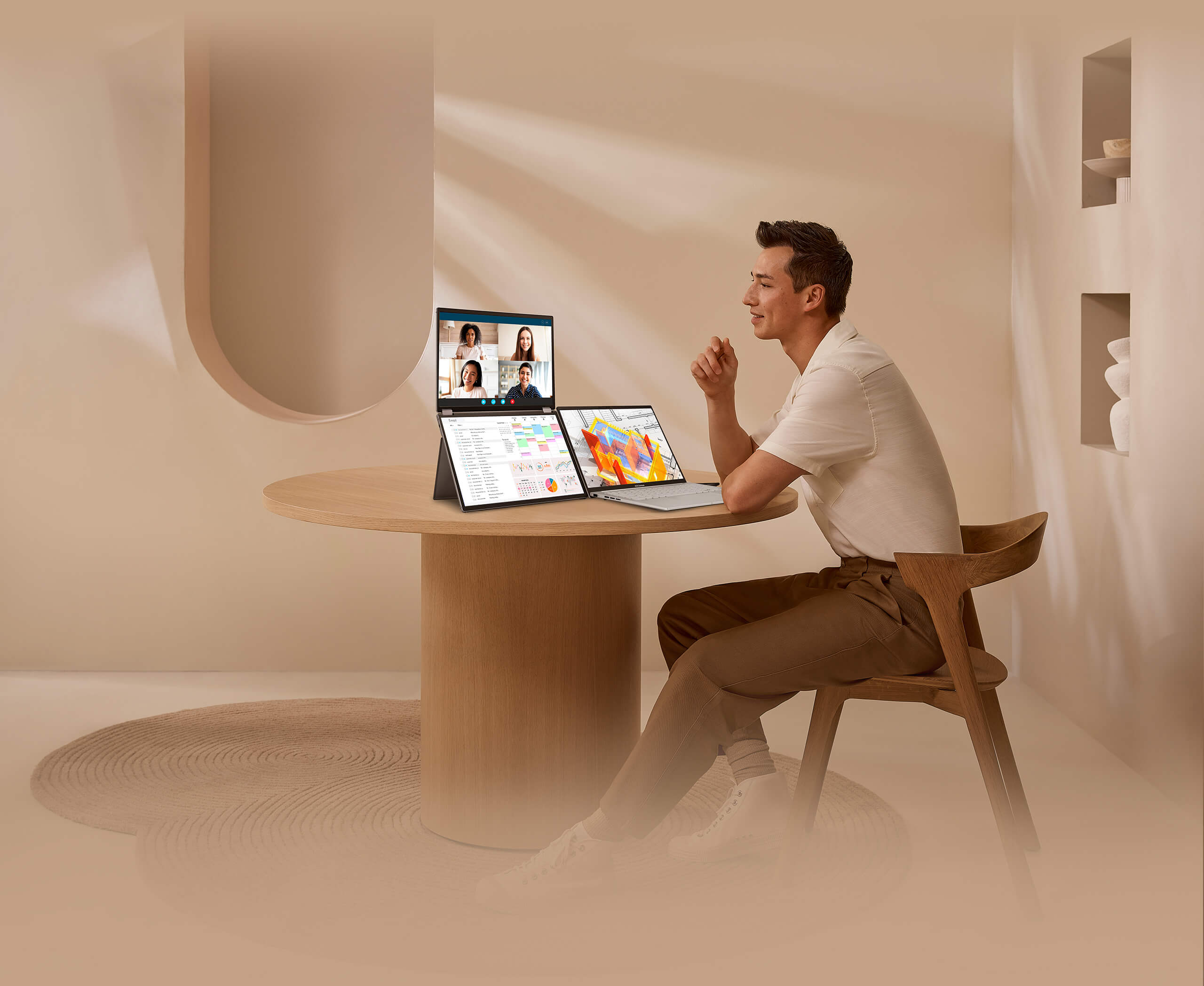
The ZenScreen Duo OLED MQ149CD redefines portable displays with two stunning 14-inch OLED screens, offering a brilliant 1920×1200 resolution and a 16:10 aspect ratio for a seamless 20-inch workspace. Featuring a versatile folding and portable design, the MQ149CD provides an impressive array of options to elevate your PC experience. Its multiple connectivity options ensure effortless integration into any setup, whether you’re enhancing productivity on the go or boosting multitasking efficiency in the office.
Sleek Design
1.07 kg
20’’
Unfolded for
larger screen
14’’In folded for
greater portability
360° Versatile Folding Design
VESA DisplayHDR True Black 400 CERTIFIED
100% DCI-P3
Delta E<2
With G-Sensor Auto Rotation
Tent Mode
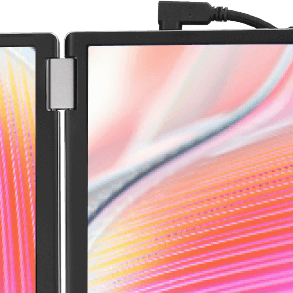
L-Shape USB-C
16:10
1920 x 1200
Rich Connectivity
Dual USB-C (DP Alt mode)/ Mini HDMI port
Compact and Stylish Design
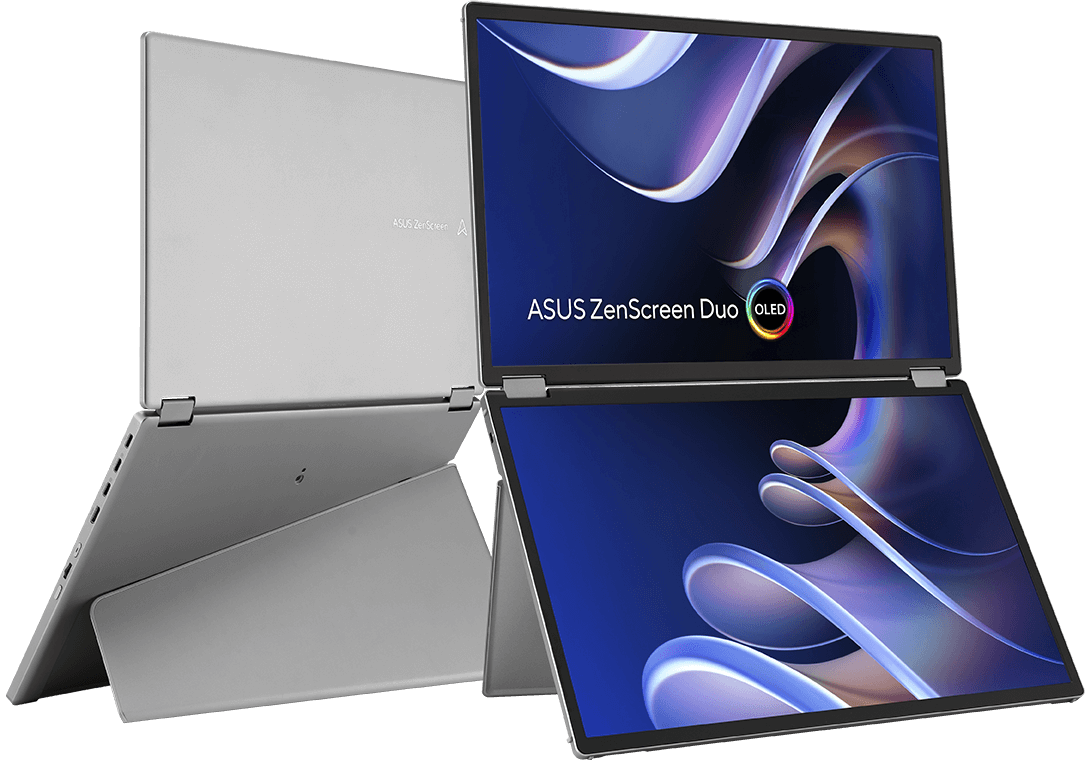
Stylish and sturdy
stand
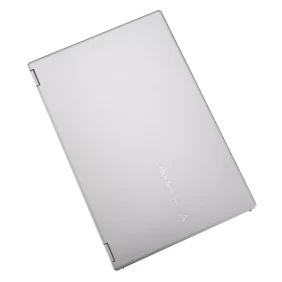
This sleek, fold-up stand is the perfect blend of elegance and practicality, offering both style and reliable support for your devices.
- Aluminiumchassis
- Portrait &
Landscape mode
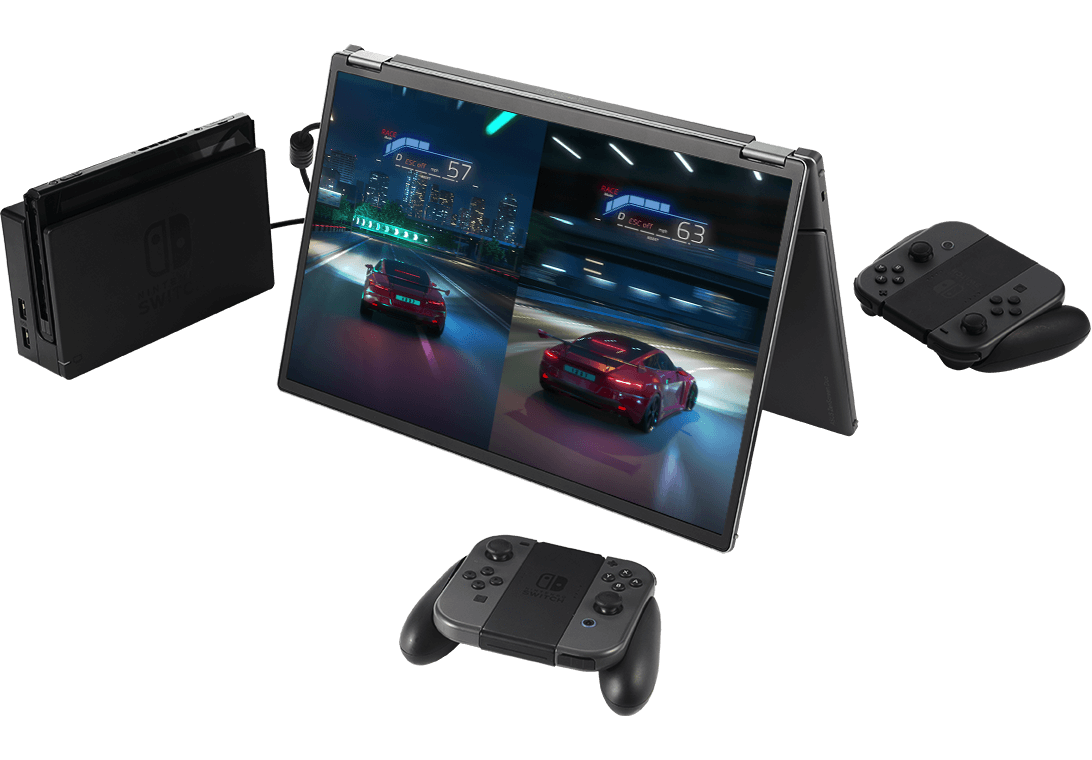

Unparalleled viewing experience
The MQ149CD can be set up in 270° tent mode, with a display facing each direction. With the content of each display mirrored, that would give you a comfortable way to conduct a one-on-one presentation.
- 1920 x 1200 resolution
- 16:10 screen ratio
Seamless blend and flexibility
Size matters. A marvel of engineering and innovation finds the sweet spot between productivity and portability.
- 1.07 Kgweight
- 14-inchfolded
OLED
Vibrant & astonishing true-to-life color
The MQ149CD provides amazing viewing experiences, with its brilliant OLED panel and HDR technology that can display over 1 billion colors. Its cinema-grade 100% DCI-P3 color gamut makes it a superbly versatile all-rounder for productivity and entertainment.

- 100% DCI-P3 color gamut
- delta E<2
High perceptual brightness, deep blacks
The OLED technology in ZenScreen Duo OLED MQ149CD offers premium visual experience with inky blacks and bright highlights. It also delivers extremely crisp and clear details, even in the darkest scenes.
- 1000000 : 1 Contrast Ratio
- Shows different viewing effect with LCD and OLED display technology


Seamlessly Intuitive and Expansive Capability
Effortless connectivity
A single USB-C cable is all that’s required to duplicate or extend a laptop screen. The USB-C port handles power- and video-signal transmission, so it’s simply a matter of plug-and-play when it’s time to get work done.
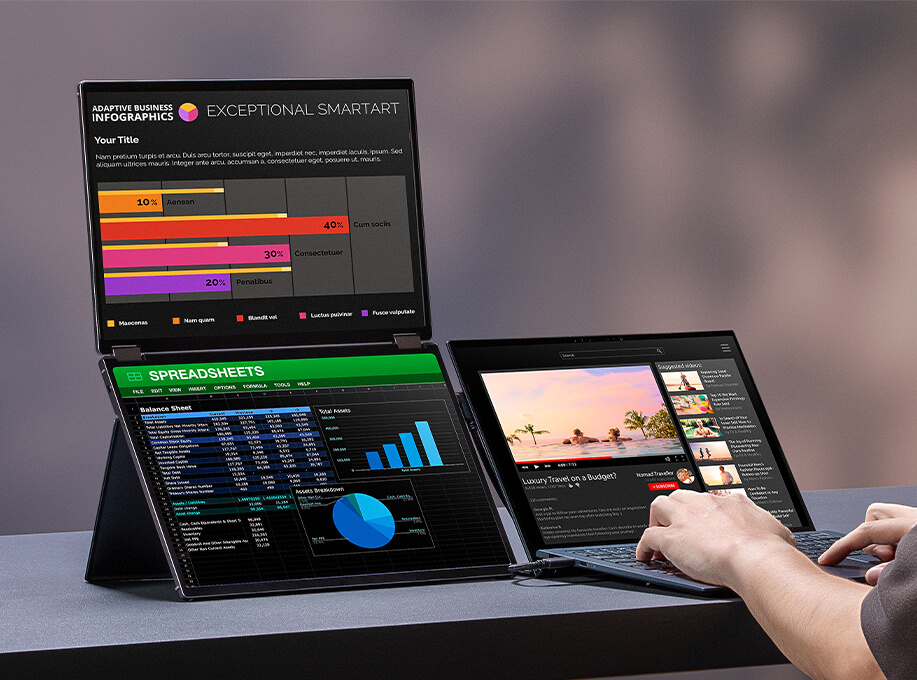
*The brightness can be adjusted to its maximum value with the adapter plugged in. Or else the monitor will limit the brightness level to ensure it does not draw more power than the laptop can handle.
Multiple Display Scenario for Various Usage
MQ149CD dual screen provides various user scenarios that can be easily enabled via OSD control, offering hassle-free multi-screen setups. These include Independent mode, Extend mode, Mirror mode, and Split mode.

 Split mode
 Independent mode
 Mirror mode
 Extend mode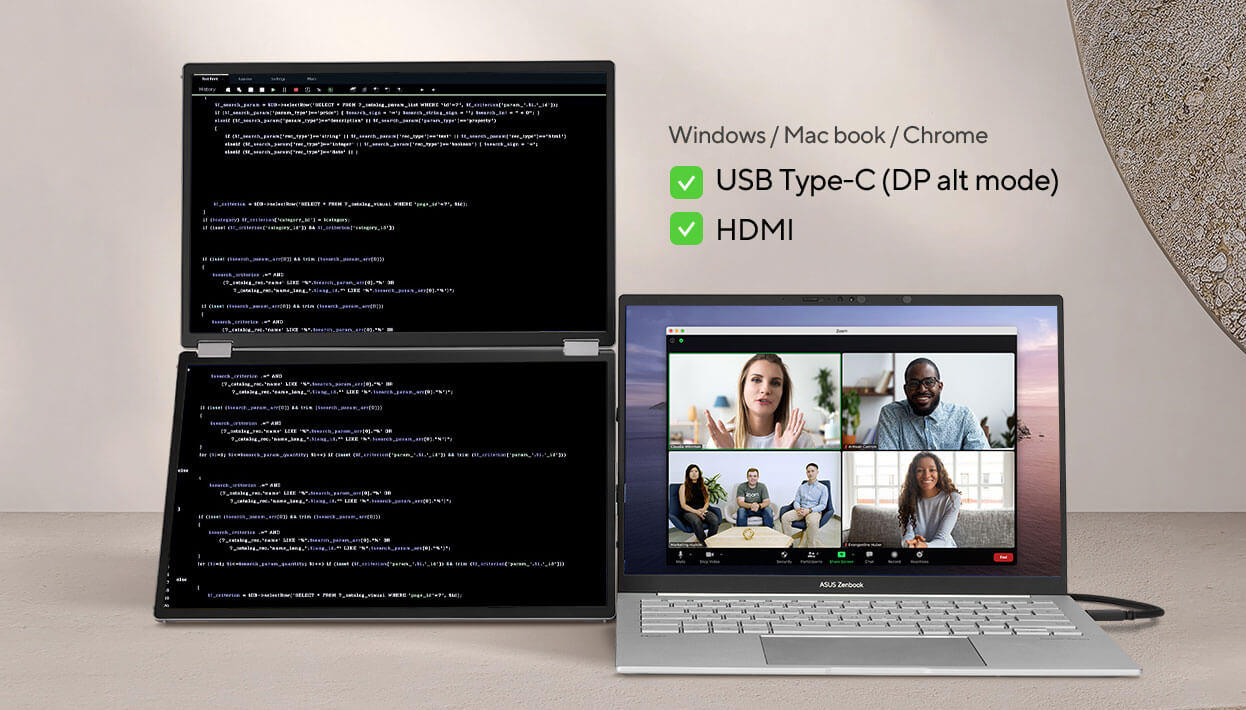
SPLIT MODE
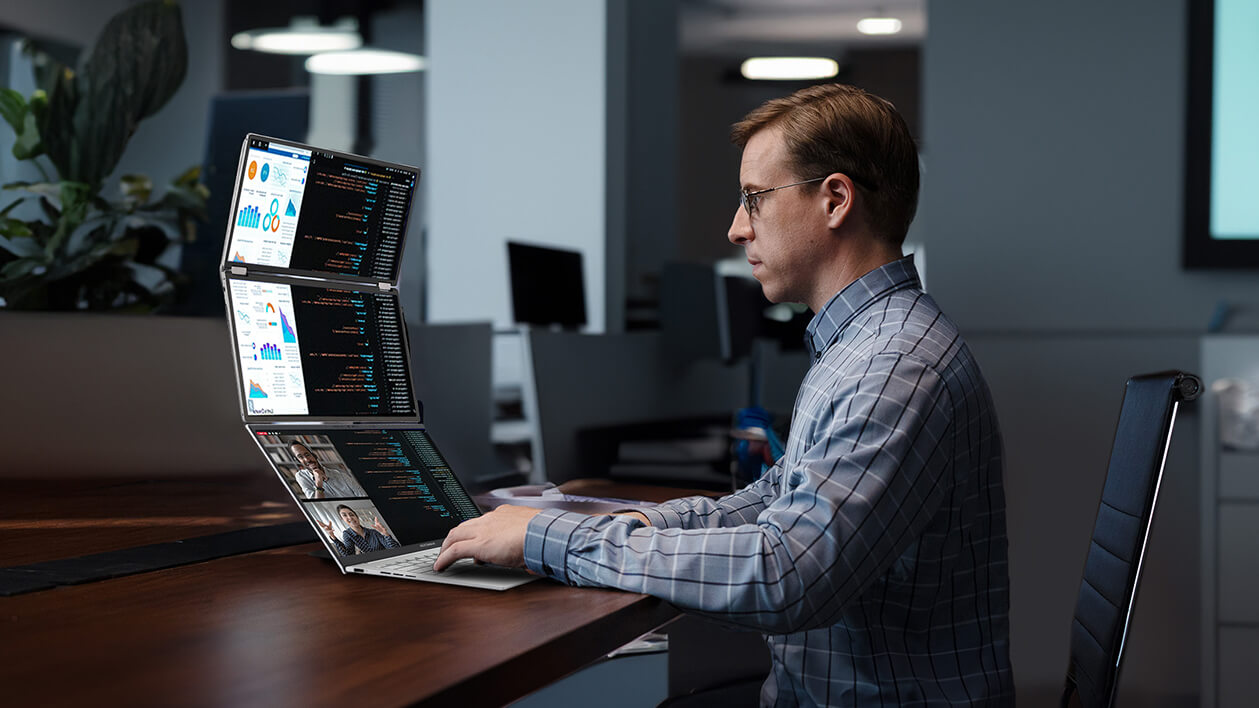
Split mode allows the MQ149CD to display content in a single, waterfall-like view. This is perfect for using as an extended monitor for your laptop while coding, reading long documents, or participating in online meetings.
*Connect with USB-C2 to have spite mode
*The availability of a 1920 x 2400 resolution on the external screen will depend on the laptop’s graphics card settings and HDMI capabilities.
INDEPENDENT
MODE
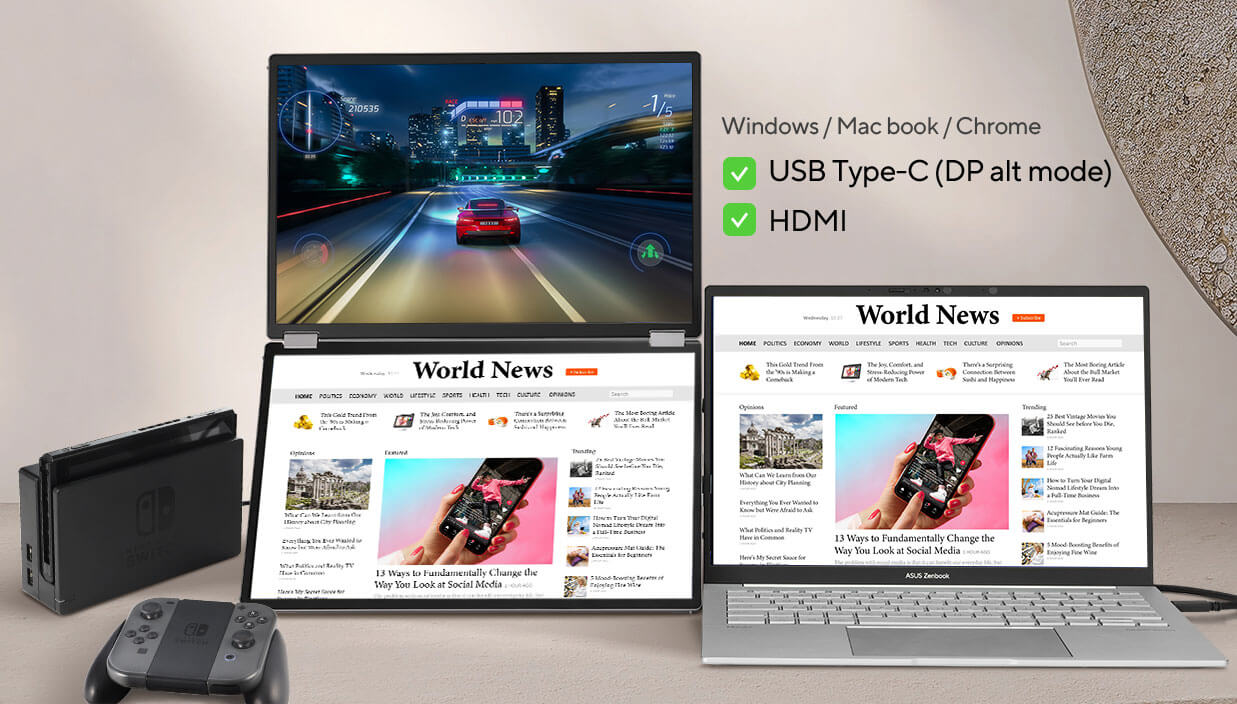
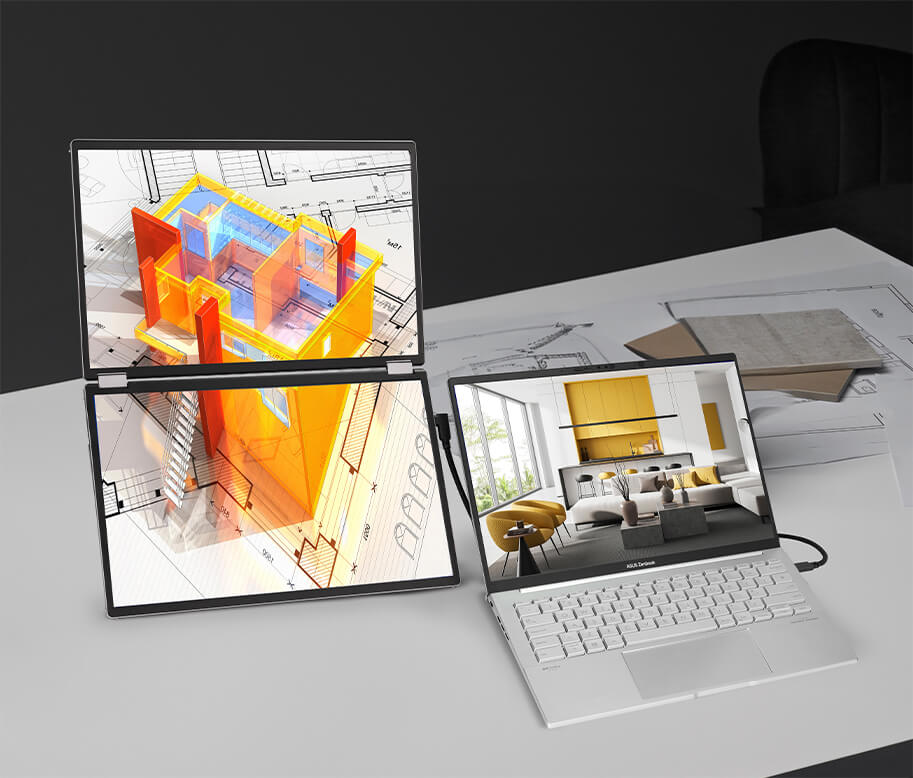
Independent mode is designed for multi-taskers. Each screen can be dedicated to a different device, unlocking a whole new world of workspace possibilities.
*Connect with USB-C 1 & 2 or mini-HDMI to have an individual screen
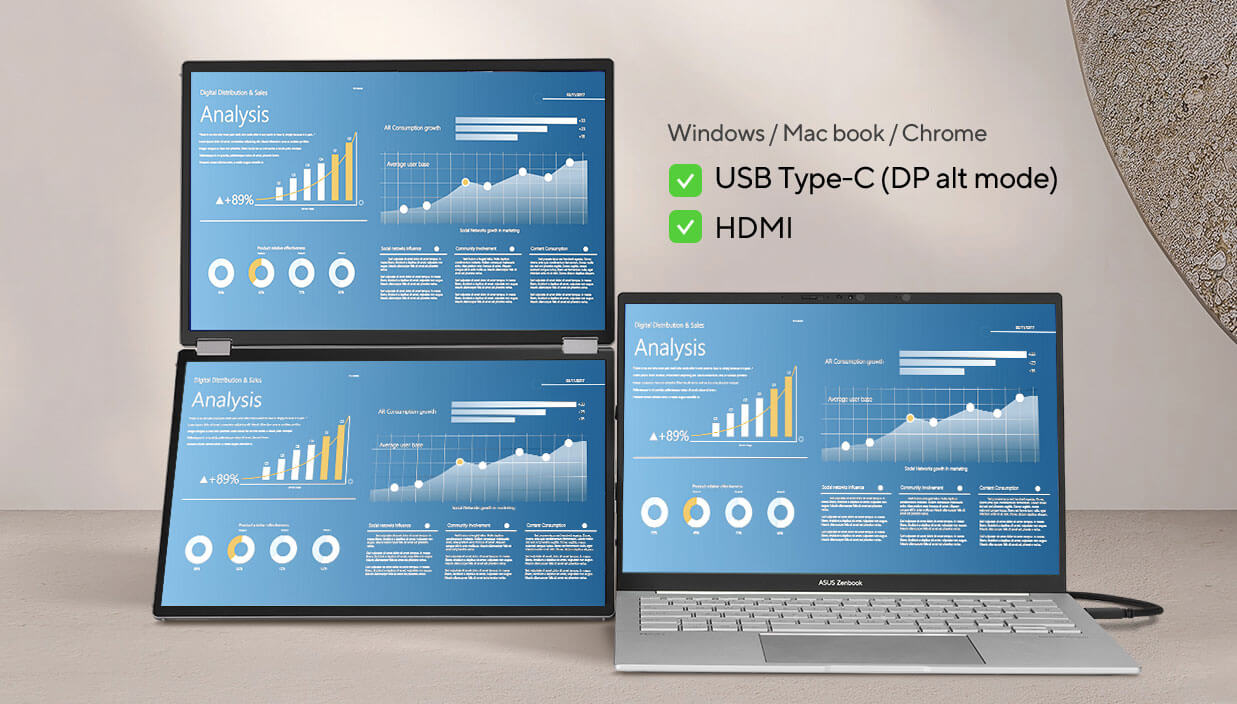
MIRROR MODE
With mirrored displays, the MQ149CD provides a convenient way to conduct one-on-one or one-on-two presentations, allowing participants to face each other for better communication.
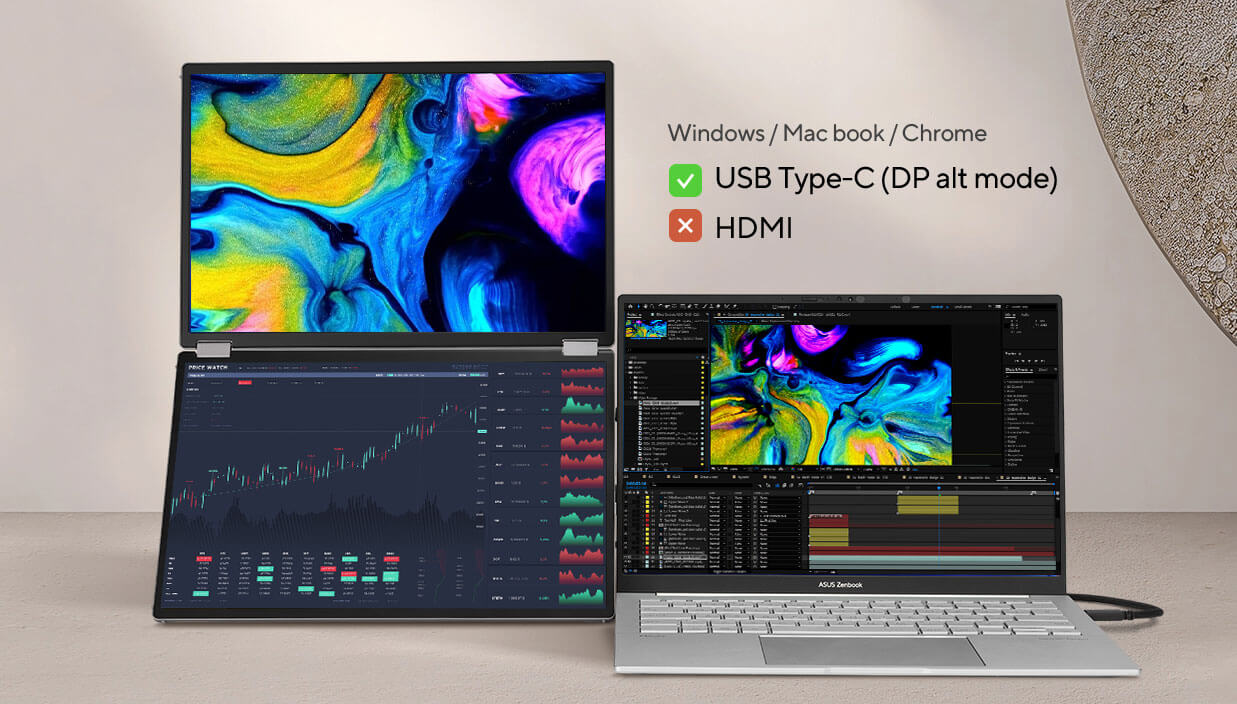
EXTEND MODE
Extend mode is designed for multitasking on-the-go. It is ideal for working and checking on various windows and screens at once.
*Connect with USB-C2 to have extend mode
*The MacBook’s Type-C port, running Chrome OS with an AMD graphics card, only supports extended mode for a single external display. It cannot extend to a second display in extended mode.
* The phone’s Type-C port, supporting DP Alt mode, can only support extended mode for a single external display. It cannot extend to a second display in extended mode.
Designed with ergonomics in mind
It includes a standard ¼-inch screw thread socket that allows it to be mounted on any camera tripod stand. This enables customized height adjustment for comfortable viewing angles, ideal for long working hours.
*The Tripod stand-MTS02D does not come with the ASUS ZenScreen Duo OLED MQ149CD, you need to purchase it separately.

Auto Rotate support
With ASUS DisplayWidget Center software it can automatically sense its orientation and switch the display between landscape and portrait modes while connected to your laptop.
*Auto rotate function only support mirror & split mode with USB Type-C 2
*HDMI port does not support DisplayWidget Center software
*DisplayWidget Center software required. Auto-rotate function works only with the Windows operating system.
Extensive connectivity
The MQ149CD has a rich selection of connectivity options, including two USB-C ports*, for display signals and power transmission. In addition, a mini-HDMI port provides broad compatibility with various devices.
How to identify your laptop USB-C port support DP out function?
*Note: Need to check whether the USB-C port of your laptop supports the DP Alt mode prior to use. If not, please use HDMI signal with USB-C (DC-in) power supply instead.

Specifications
Aspect Ratio : 16:10
Display Viewing Area (H x V) : 301.824 (H) x 188.640 (V)
Display Surface : Glare
Backlight Type : OLED
Panel Type : OLED
Viewing Angle (CR≧10, H/V) : 176°/ 176°
Pixel Pitch : 0.160mm
Resolution : 1920×1200
Color Space (DCI-P3) : 100%
Brightness (HDR, Peak) : 500 cd/㎡
Brightness (Typ.) : 400cd/㎡
Contrast Ratio (HDR, Max) : 1,000,000:1
Contrast Ratio (Typ.) : 100,000:1
Display Colors : 1073.7M (10 bit)
Response Time : 1ms(GTG)
Refresh Rate (Max) : 60Hz
HDR (High Dynamic Range) Support : HDR10
Flicker-free : Yes
Color Temp. Selection : Yes (3 modes)
Gamma Adjustment : Yes (Support Gamma 1.8/2.0/2.2/2.4/2.6)
Color Accuracy : △E< 2
GamePlus : Yes
QuickFit : Yes
HDCP : Yes, 1.4
DisplayWidget : Yes, DisplayWidget Center
Low Blue Light : Yes (Hardware Solution)
Mini HDMI x 1
Power Saving Mode : <0.5W
Power Off Mode : <0.3W
Voltage : 100-240V, 50/60Hz
Kensington Lock : Yes
1/4″ Tripod Socket : Yes
Box Dimension (W x H x D) : 46.0 x 32.0 x 12.4 cm (18.11″ x 12.60″ x 4.88″)
Gross Weight : 2.6 kg (5.73 lbs)
Mini HDMI to HDMI cable
MTS02D tripod socket kit
Power adapter
Quick start guide
USB-C cable x 2
Warranty Card
ZenScreen sleeve
TÜV Flicker-free
TÜV Low Blue Light (Hardware Solution)
VESA DisplayHDR 400 True Black
FSC MIX
| Weight | 2.6 kg |
|---|---|
| Dimensions | 46 × 12.4 × 32 cm |
| Brand | Asus |
Only logged in customers who have purchased this product may leave a review.
Please note that We use either following Couriers
Courierit / Courier Guy / MDS Collivery / DPD Laser / Internet Express / Ram / Rhenus / RTT / DCB MTE Express, Citi Spirits (CPT only) and more.
Virtual Items are emailed, This process may take a few hours (during Business operating hours Monday to Friday 08:00 - 17:00).
Please select Shipping insurance should you wish to cover your goods during the transit. Free Shipping insurance from R0 – R1000 T&C’s Apply.
Should the users use incorrect Postal codes may result in incorrect Shipping fees. These may be corrected by Tech Guy SA and resulting in payment request for the difference. i.e Incorrect Postal code resulted in lower fees.
Orders May take 1-4 Days to Process before shipping once funds have cleared into our account. Delays may occur (ie Stock may need to come from JHB to CPT)
Tracking Number Will be mailed to you in some cases Waybill Numbers take a few days while in transit (RTT / Rhenus / MDS / DCB / DSV).
Promotional Shipping Is offered time to time for Local and Main Centers With Weight Limits.
We will not courier out to the following without arrangement prior to the order as there are additional fees involved:
Tenders, Chain Stores, Power Stations, Plot / Farms, Hospitals

Reviews
There are no reviews yet.